Bulin 47 AI trend · freestyle video
Bulin 47 AI: Put Yourself in the Freestyle Video
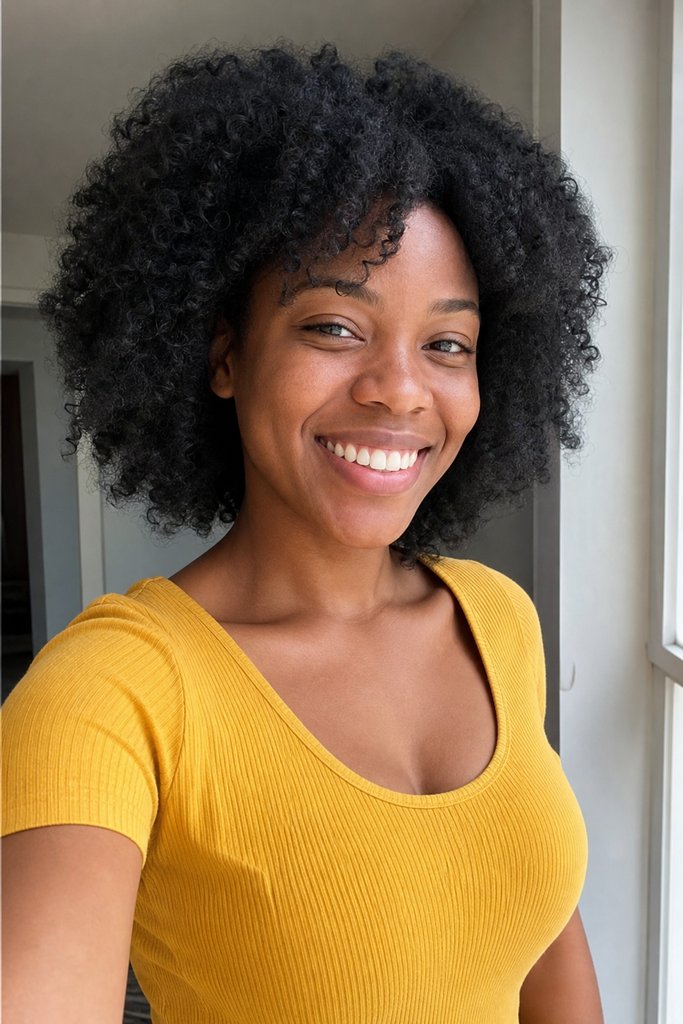
Add your photos
JPG, PNG or WebP · Max 12 MB · One person, who agreed to appear
5s · 480p · No audio by default. Want the original meme song? Add TikTok’s trending sound when you post.
Uses your Rap Duet credits. Failed renders are never charged.
By continuing you agree to our Terms and confirm you have permission to use these photos.
No subscription needed · Ready in a few minutes · Failed renders never charged · Packs never expire
What is the Bulin 47 AI trend?
Bulin 47 is a Dominican rapper whose street freestyle went viral on TikTok. The clip was filmed vertically on a phone outside a restaurant in Spain: a friend, Kevin Wai, played a dembow beat from a portable speaker while Bulin 47 rapped off the top of his head. It has been watched tens of millions of times.
The trend that followed is the “Bulin 47 AI” video: people use AI to put themselves, a friend or a pet in the same kind of street freestyle and post it with the sound everyone knows. Searches like “bulin 47 ai”, “bulin 47 video” and “bulin 47 ai trend” all point at it.
This page is inspired by that freestyle but is not official and has nothing to do with Bulin 47 himself. Rap Duet does not include the original music or any audio. Your photo replaces the rapper in a short, silent, vertical street scene.
The video is silent by default. To post it on TikTok or Reels, upload it, tap “Add sound” and pick the trending original sound there. If you want music inside the file instead, switch on the optional AI background music: an original dembow-style instrumental that does not copy any existing song.
How it works
- 1
Add one photo
One clear, front-facing photo of the person who freestyles. Only use a photo of yourself or someone who agreed to appear.
- 2
Pick the sound and make it
Keep it silent or switch on AI background music, press the button, and download the vertical video when it is ready.
Ways to use it
Yourself as the street freestyler
Recast yourself in the night-street freestyle and post it with the trending sound.
A friend’s photo, with permission
Any clear face works, as long as the person agreed to appear.
A reply in the group chat
Short, vertical, ready for a story, a Reel or a TikTok.
Tips for a better video
Use a bright, front-facing photo
Faces in even light carry over best. Skip sunglasses, heavy filters and group shots.
One person per photo
Use a photo of one person so it is clear whose face to use.
Add the sound in the app
Upload the silent video to TikTok or Reels, tap Add sound and choose the trending original sound, then trim it to the beat.
Quick answers
Ready to drop your first verse?
Two photos, one stage, about three minutes. Pay only for songs that finish.
Make our rap video